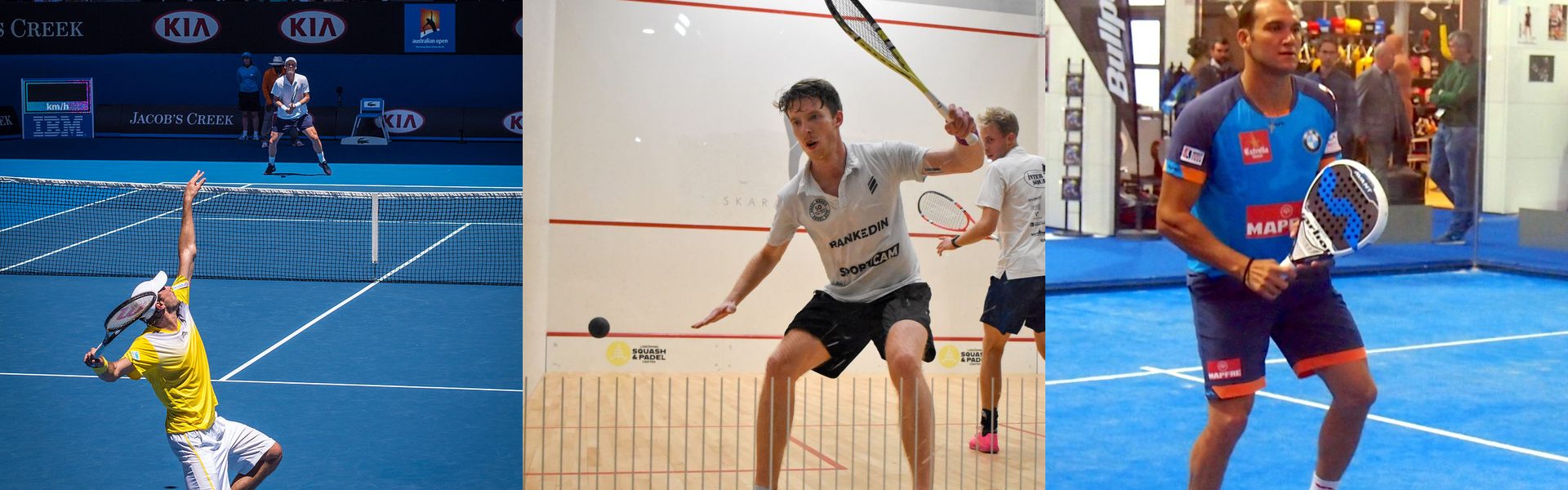
Demo — tennis, squash and padel
Let players book their own court
This is a working i-Reserve environment for tennis parks, squash centres and padel clubs. Players see straight away which courts are free and book them themselves; you keep one overview without phone calls back and forth. Try the schedule, the calendar, the AI agent or the widget and see what suits your club best.
Tennis — schedule
All indoor and outdoor courts side by side. Click a free slot and the court is yours.
Open the schedule →Tennis — calendar
Pick the day and time first, then the court. Handy when you want to book several courts at once.
Open the calendar →Squash
All squash courts in one schedule. Pick a free moment and book straight away.
Book a squash court →Padel
Padel courts in one overview, ready for doubles with four players.
Book a padel court →AI agent
Book by simply saying what you want: via chat, WhatsApp or e-mail. The agent takes care of the rest.
Try the AI agent →Widget
You can also book through the widget: a compact booking window you place on your own website. Try it at the bottom right of this page.
Open the widget ↘
How a booking works
From the first click to the confirmation in the inbox — without you having to pick up the phone.
- 1
Choose sport and court
Schedule or calendar: the player sees right away what is free.
- 2
Choose day and time
Only free times can be clicked. Double bookings are impossible.
- 3
Confirm
Fill in the details, pay online if needed, confirmation by e-mail. Done.
Another sport? Also see the demo for fitness and golf. Want to know more about i-Reserve for Tennis, squash and padel courts? Read more on our website.